Openers · Strathroy-Caradoc
Smart Garage Controller Setup
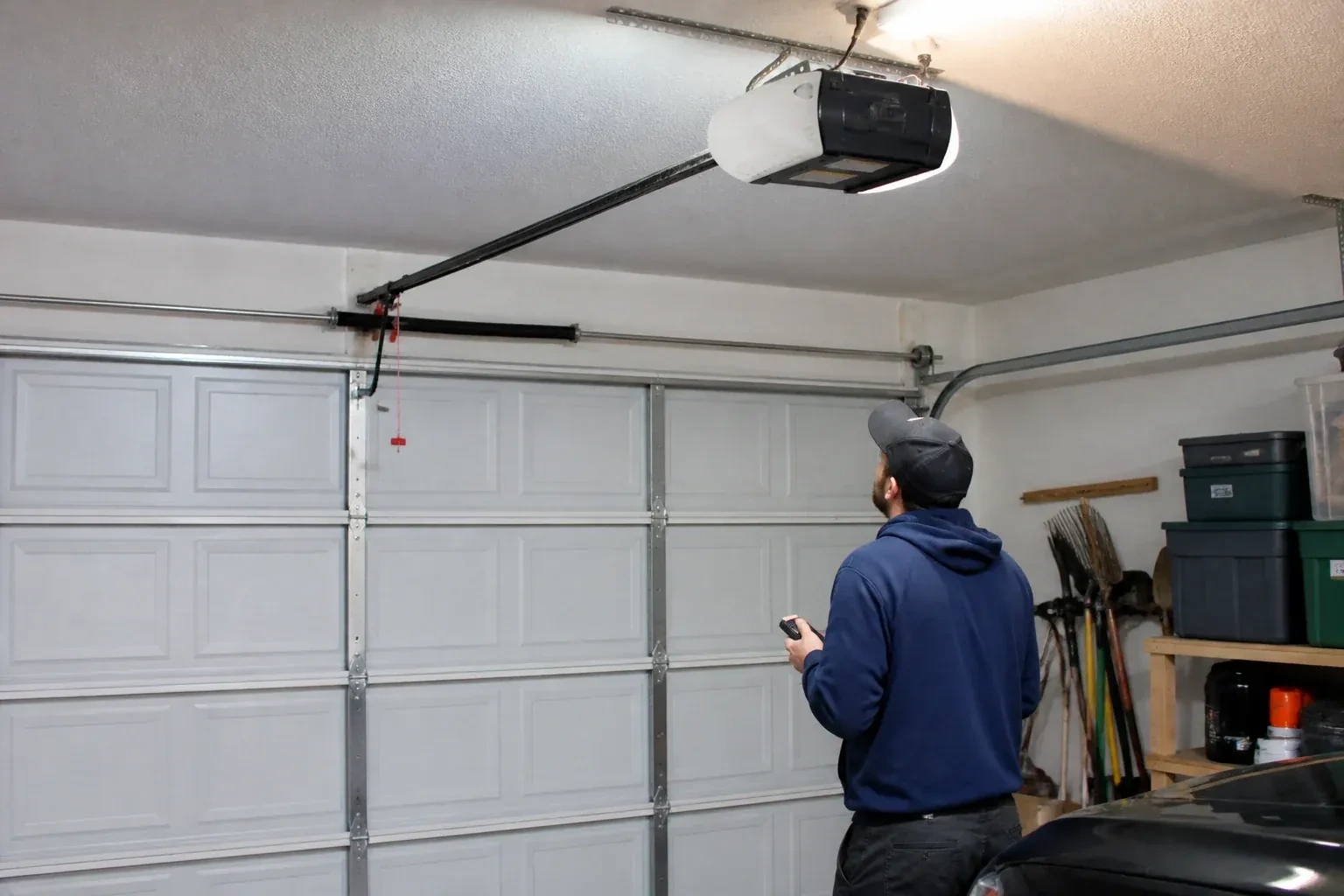
There is a wireless symbol printed on the opener above the car, and the manual mentions an app, but the head unit has never been connected to anything.
In plain words
Smart garage controller setup gives your garage door a place in your phone: open, close, see whether it is up or down, and hear about it when something changes. Many openers made in the last several years carry a wireless radio inside the head unit that only needs switching on and joining to your network. Older openers take a small retrofit hub beside the motor and a battery sensor on the top door panel, which together tell the app what the door is doing and pass your commands to it. The technician works out which route fits your opener and completes it in one visit.
How the visit goesA smart hub arrived in the mail with a coin-cell sensor and two wires. The instructions ask what colour your learn button is and how old the opener is. Yours is over a decade old and the button colour is not on their chart.
Smart Garage Controller Setup
How the visit goes
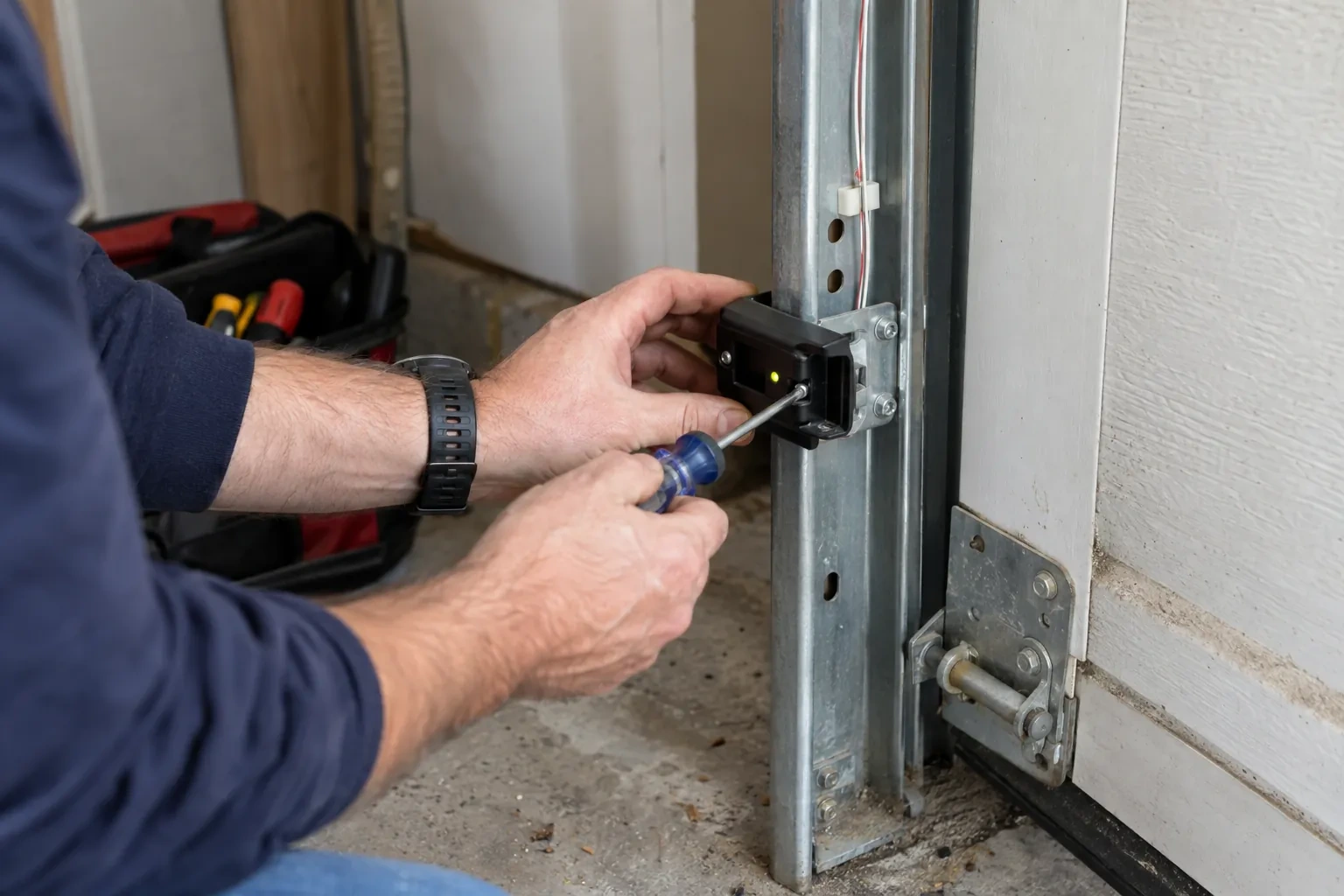
Photo eyes, present and working
Remote closing is the feature most people want, and it rests on the pair of small sensors near the floor on each side of the door. Before any controller is fitted the technician confirms both eyes are present, mounted no higher than about fifteen centimetres, aligned so their indicators glow steady, and wired without breaks back to the head unit. A controller built to the operator standard will not offer an out-of-sight close without a working sensor circuit, so any missing, misaligned or failed pair is corrected as part of getting ready. This is also where sun glare, cobwebs, frost and a shovel leaning against a bracket are noticed and dealt with.
Alerts, schedules and shared users
With the door reporting truthfully, the useful settings are made. A left-open alert is set to a sensible delay, often ten or fifteen minutes, so it is helpful rather than nagging. If wanted, a nightly schedule is created that closes the door at a chosen hour, with the app's confirmation that the pre-close warning will sound. Household members are invited as users under the owner's account, each on their own login, and any temporary access for a contractor is created with an end date. Notifications are sent to the right devices and confirmed to arrive. The owner is shown how to add, change and remove each of these later.
Ready for the cold months
An installation done for this climate leaves you set for winter. The sensor is screwed rather than stuck on, its cell is a type built to withstand the cold, and the left-open alert is set so a door left up on a freezing night reaches your phone before the garage has lost its heat. Keep snow and ice cleared from the threshold and the photo-eye lenses, since a blocked beam pauses remote closing until it is cleared, and expect the door to be a shade slower on the coldest mornings. If the app reports the door open when it is plainly shut after a hard frost, the sensor mount is the first thing to check.
Smart Garage Controller Setup
In the van
Receptacle splitter with approval mark
Wi-Fi access point or extender
Low-voltage bell wire
A 2x4 offcut for the reversal test
Door-position tilt sensor
Smart Garage Controller Setup
What affects the quote
Cellular backup if the home Wi-Fi goes down
A hub that only works over Wi-Fi stops reporting the moment the internet drops, which matters most during a storm. A cellular backup module keeps alerts and remote closing working through an outage, and whether one is added is decided once the household's connectivity is reviewed.
Taking over an existing device
Releasing a controller from a previous owner's account, resetting it and pairing it fresh takes time that a new device does not, and its sensor may need a battery or repositioning.
Power for the hub
The hub plugs into the opener's ceiling receptacle. If there is no spare socket, an approved splitter or a receptacle added by an electrical contractor becomes part of the plan.
What to have ready
- Is there an existing controller on the ceiling from a previous owner?
- What colour is the learn button under the opener's light cover?
- Does your wall console have a digital display or just a button?
Smart Garage Controller Setup: questions
QuestionsWhat batteries does the sensor take, and how long do they last in a cold garage?
Most sensors take a coin cell or a pair of small cylindrical cells, specified by the maker. In a heated garage a battery commonly lasts a year or two; in an unheated one, expect less, and choose a lithium cell over alkaline because it holds its voltage in the cold. The app warns you as the battery runs down, and replacing it takes a moment and a fresh cell.
Can I give a contractor or cleaner access for a day?
Most apps allow guest or scheduled access: a user invited for a set window, or a one-time code, that expires on its own. That is a better arrangement than lending a remote or sharing the family keypad code, because there is nothing to chase back afterwards and the history shows exactly when the door was used. The technician shows you how to create and revoke such access during the visit.
Can one controller handle two garage doors?
Many hubs support two doors from one unit, each with its own door sensor, and each door appears separately in the app with its own name, status and history. Openers with built-in radios register individually, so a two-door garage with two connected openers simply shows two doors under one account. The technician confirms which arrangement your hardware supports before the visit.
Related services
- Chain-Drive Opener RepairThe door closes, touches the floor, then climbs straight back up as if it hit something.
- Belt-Drive Opener RepairHalfway up, every single time, the door hesitates and there is a ratcheting sound from the motor head, then it carries on.
- Garage Door Opener ReplacementThe remotes only work from the end of the driveway now, and one of them disappeared with a set of keys last month.